Help with your forms, polls and inquiries.
Find a guide or contact the makeform.live team.
Get started.
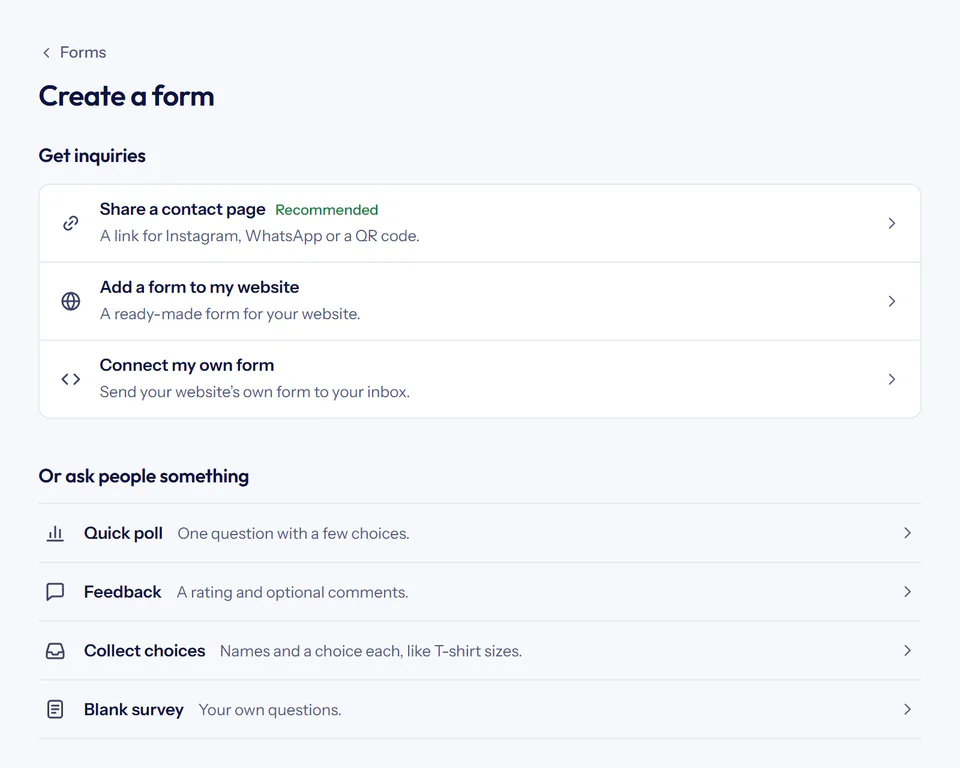 Your first form Follow the steps to create a contact form, verify notifications, publish its link and receive your first inquiry with makeform.live.
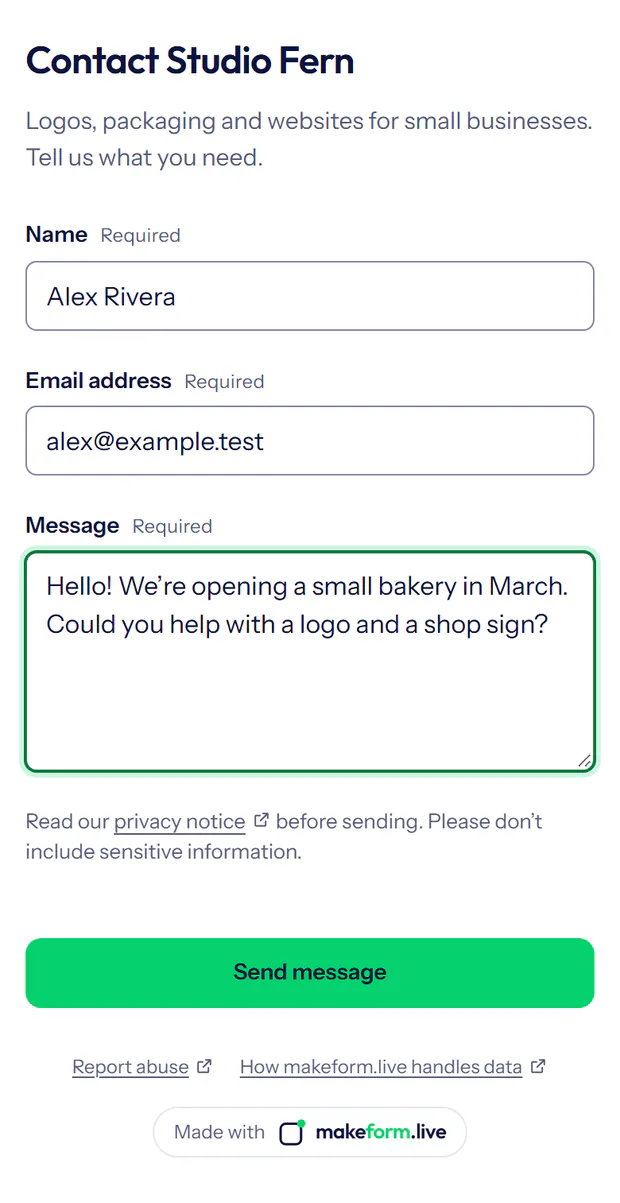 Add a form to your Instagram bio Give Instagram visitors a simple way to contact you.
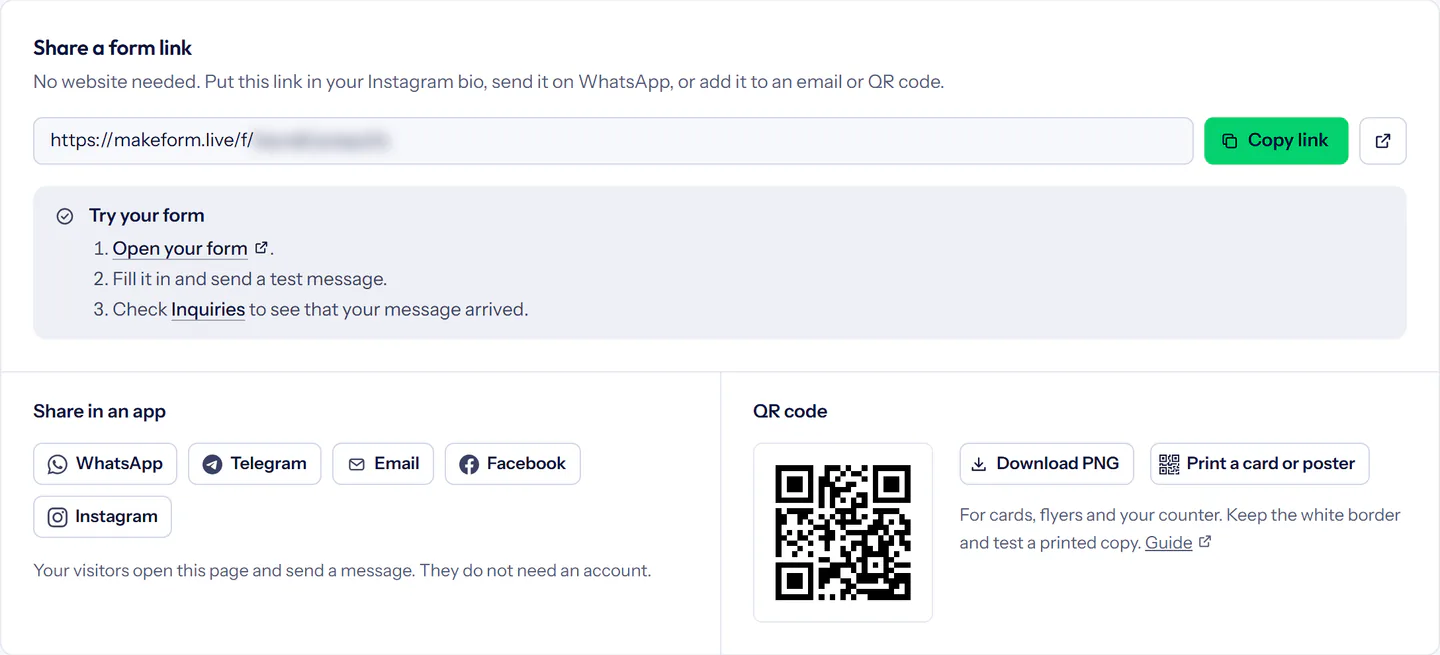 Sharing and QR codes Share your makeform.live form on WhatsApp and Facebook, in email signatures, on your website, or with a QR code and printed cards.
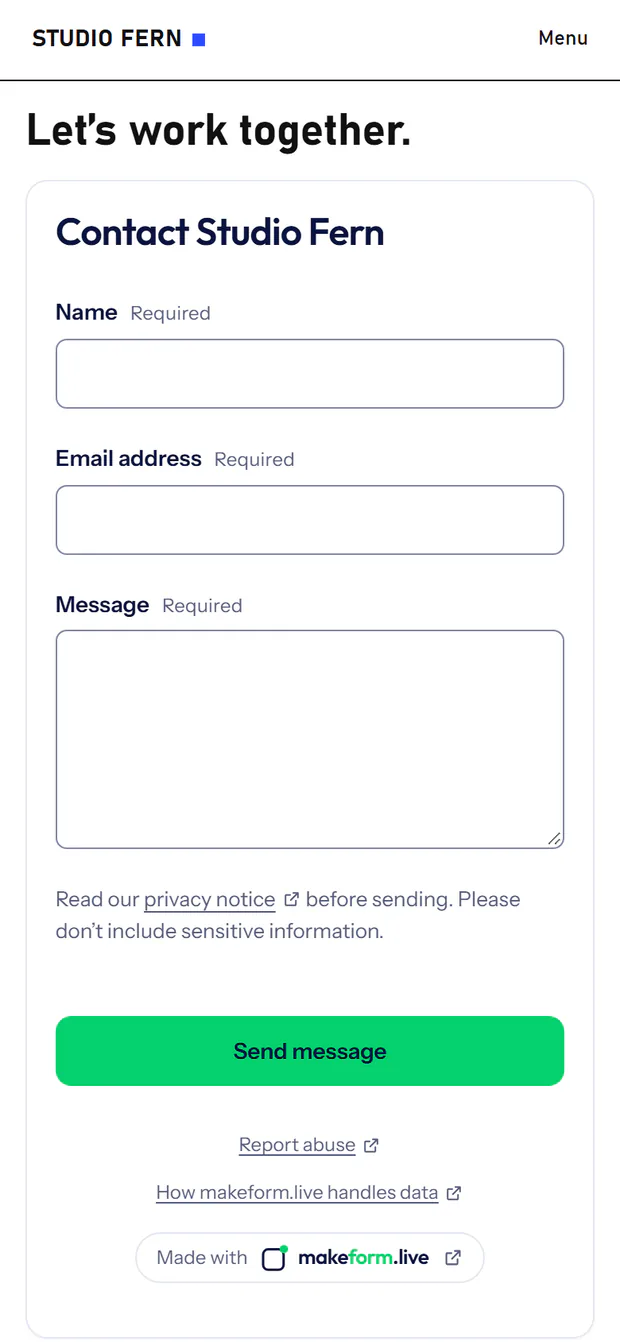 Forms on your website Connect a website contact form to makeform.live.
More guides.
Notifications and tools
- Notification emailsFind a missing makeform.live notification, check your verified recipients and understand delivery warnings.
- Chat alertsPost a message with a private link to Slack or Microsoft Teams when your form gets an inquiry or response.
- Signed webhooksSend a signed webhook to your own server or automation tool when your form gets an inquiry.
- Send to other apps by emailTurn new inquiries into tasks or tickets in apps that accept email, by adding the app’s address as a verified notification email.
- API and AI connectionsConnect trusted apps using selected forms and permissions.
More questions.
Can I reply from makeform.live?
Choose Reply by email in an inquiry to open your email app. Replies are sent from that app. Choose Mark as handled when you are done; makeform.live does not track your email conversation.
Why use this if I already have a contact form?
Keep your website’s design and connect its form to makeform.live. You get a private inbox, email notifications and handling status without building those parts yourself. See how to connect an existing form.
Do I need someone to change my website?
Sharing a form link needs no website changes. Adding a form to your website needs access to its editor and support for an HTML or Embed block. Connecting your own form or server needs development work; our guide includes examples.
Can I export or delete my inquiries?
Yes. Both plans include inquiry export and deletion, and you can download poll and survey responses. The account owner can also download a full account archive under Your data, or delete a form or the makeform.live account.
Who can see poll results?
By default, only you and your Members. You can choose to show the totals to people after they answer, or share a public results link; comments and other written answers are never shown there. How polls and feedback work.
Contact support
Something not working, or a question about your account? Tell us what happened. We reply by email.
Message sent to support
Thanks, there. We’ll reply to .
If something changes, send another message with the new details.
Prefer email? contact@vlomkatsolutions.com
For account and data questions, see our privacy notice. For plan questions, see plans and pricing.