Share a contact page
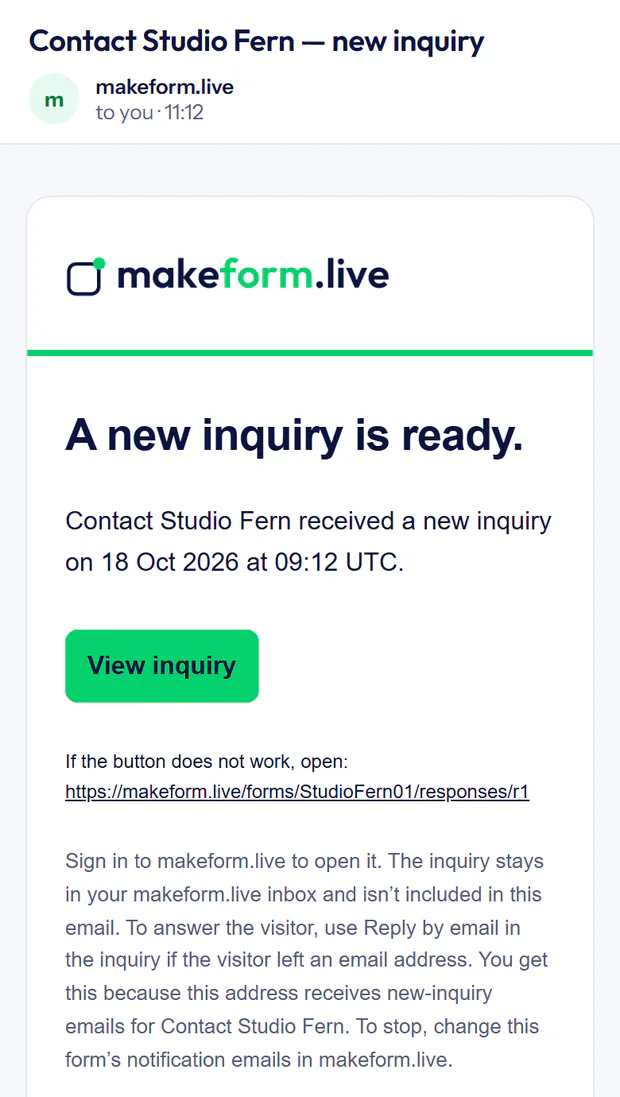
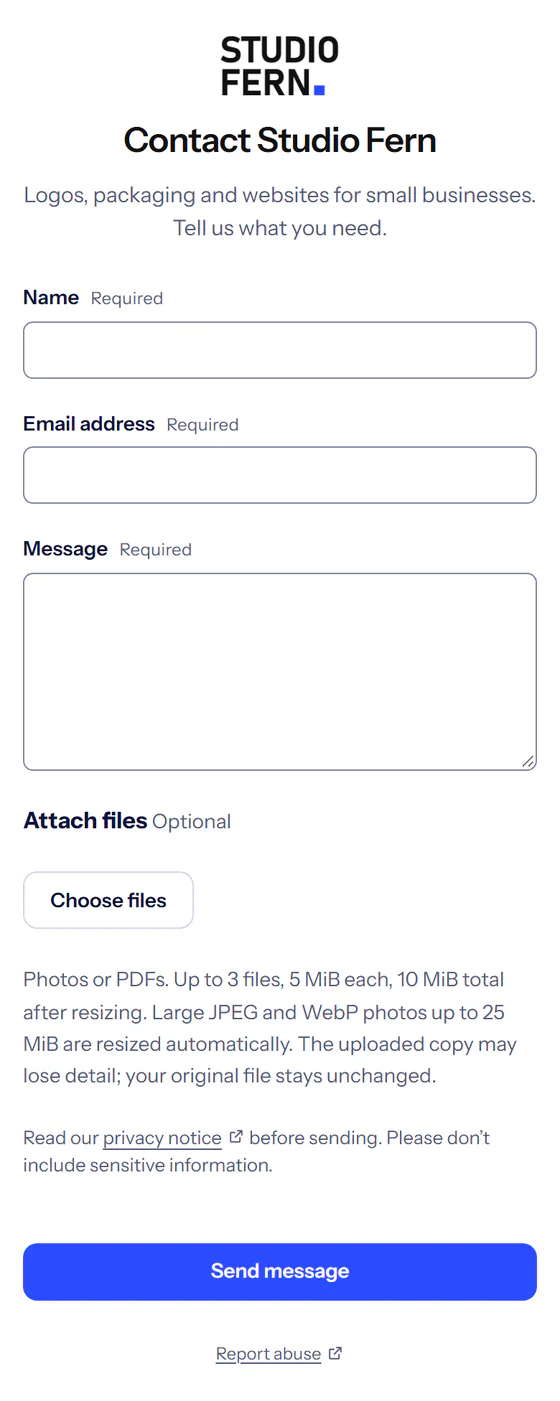
Put its link in your Instagram bio, WhatsApp or emails. Print its QR code on a table card, poster or sticker.

A contact page for your Instagram bio or QR code, or a website form: every inquiry in one private inbox, with an email to you.
Free needs no card.
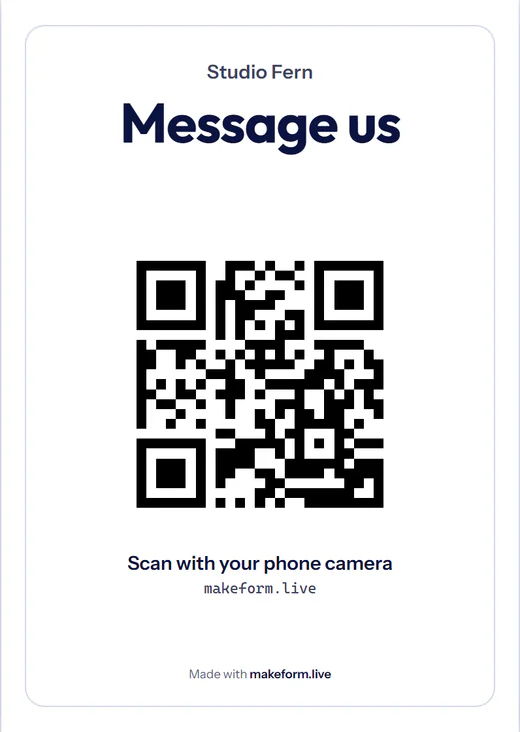
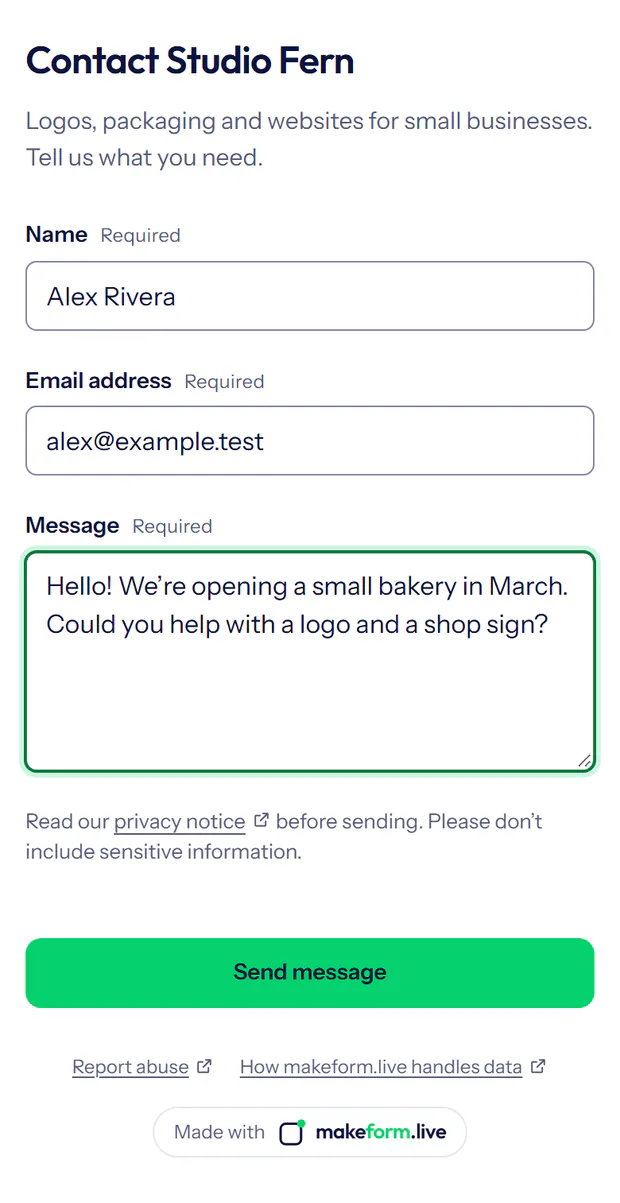
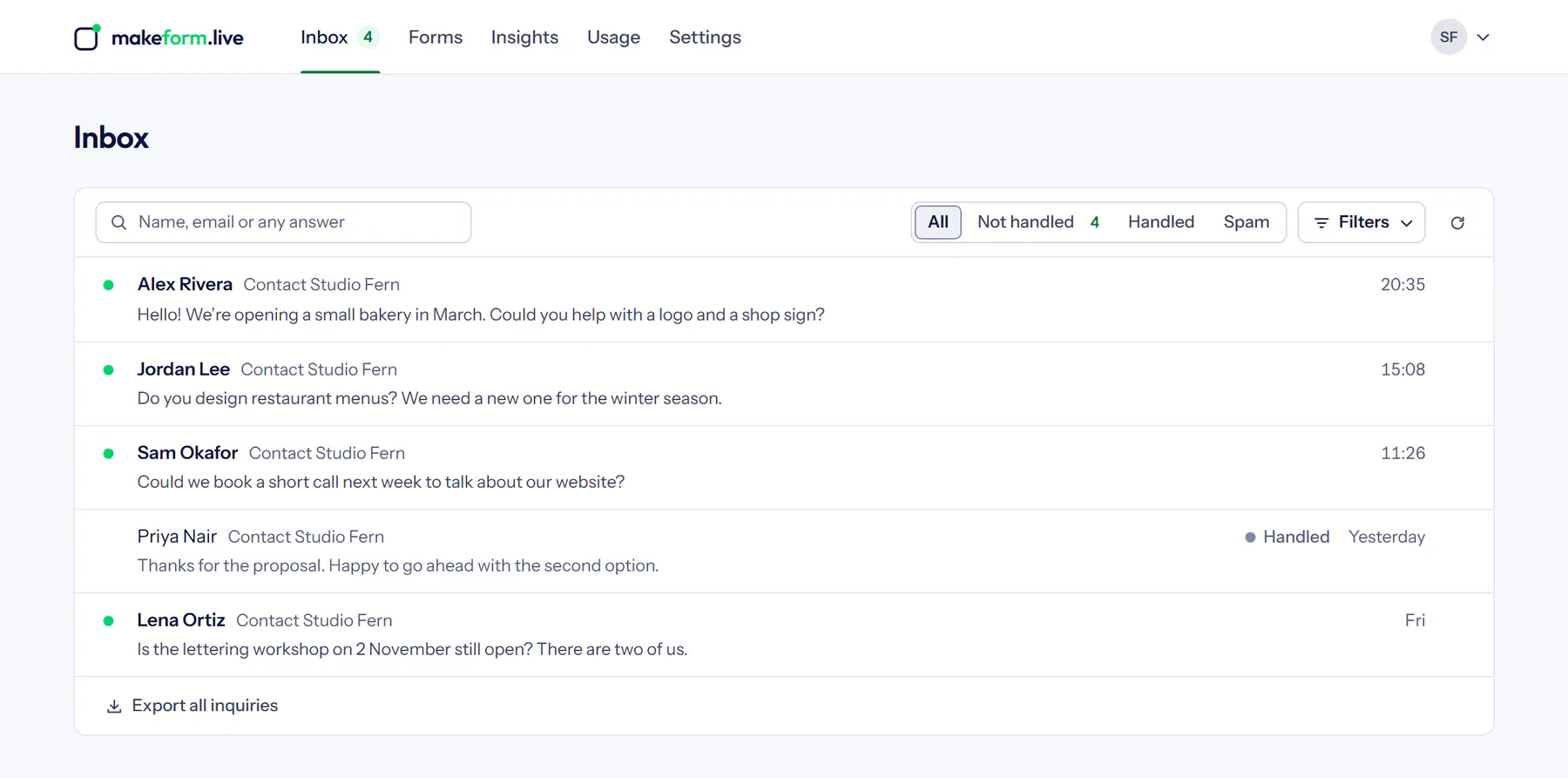
Use one or all three. Every inquiry arrives in the same inbox.
Put its link in your Instagram bio, WhatsApp or emails. Print its QR code on a table card, poster or sticker.
Paste its code into your website’s editor, in an HTML or Embed block.

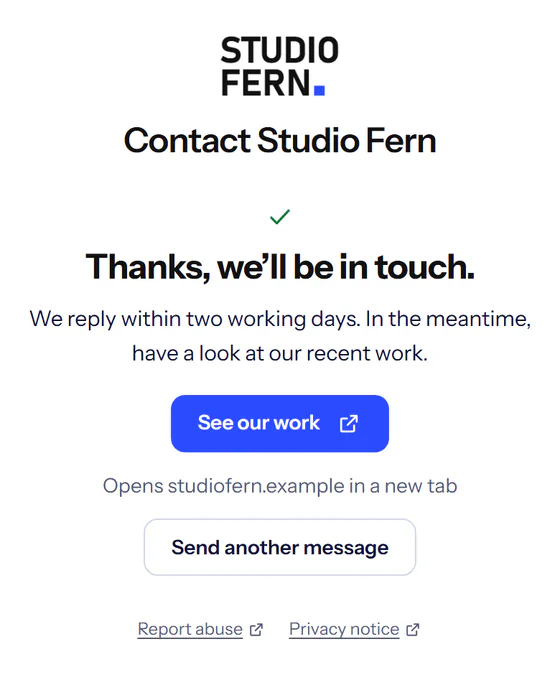
Keep your design. The form sends in the background, and inquiries arrive in your inbox. The ‘Write a message’ form at the bottom of this page works that way.
<form data-makeform=
    "https://makeform.live/v1/forms/YOUR_FORM_ID/submissions">
  <input name="name" required>
  <input type="email" name="email" required>
  <textarea name="message" required></textarea>
  <div data-makeform-verification></div>
  <button type="submit">Send message</button>
</form>
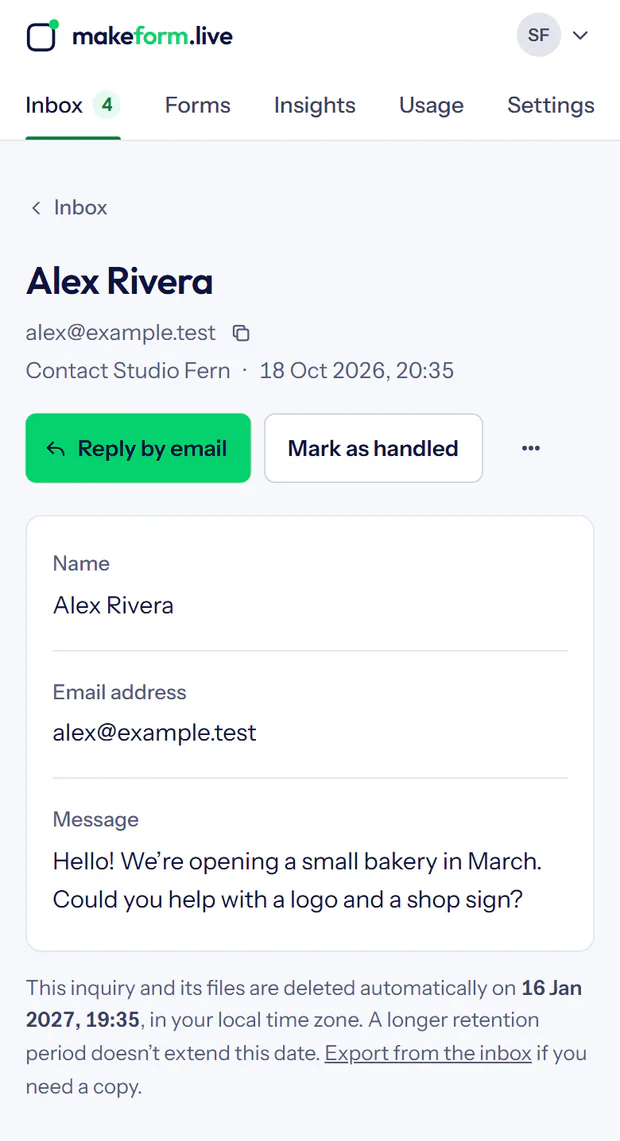
<script src="https://makeform.live/makeform.js" defer></script>Answer with Reply by email, then choose Mark as handled.
Polls, feedback and short surveys go out by the same link or QR code. Answers add up to results you can read at a glance.
Responses have their own monthly allowance, so a busy poll never uses up your inquiries.
How polls and feedback work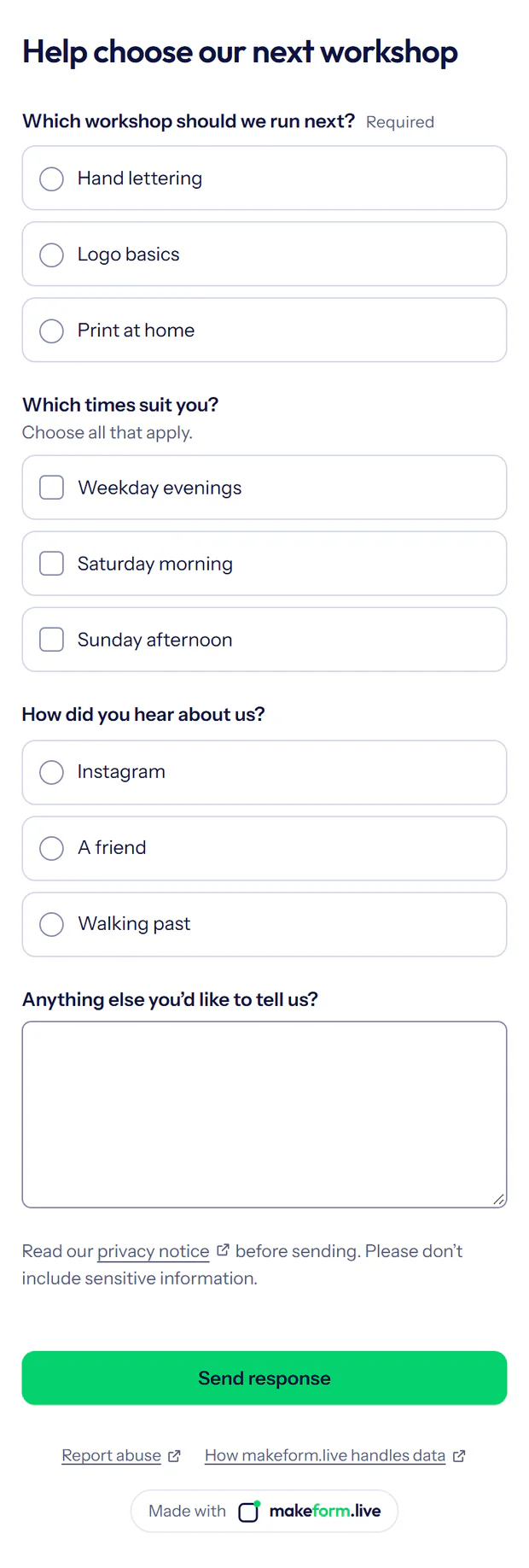
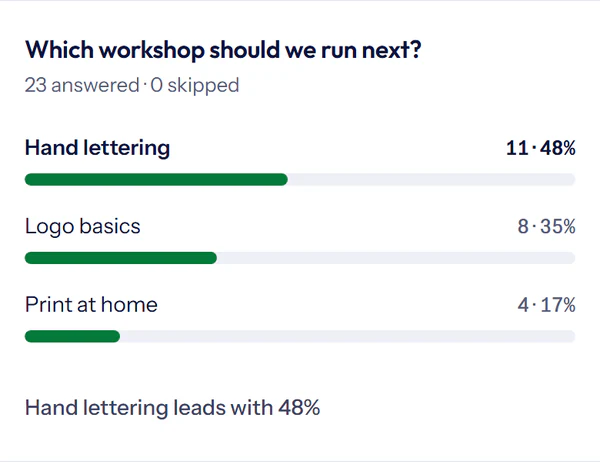
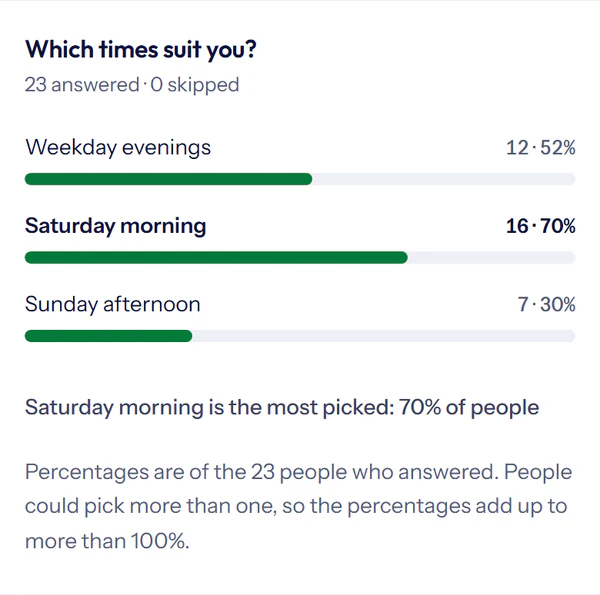
On Free and Pro.
The same contact page, with your logo and colours.
Clear allowances. No automatic overage charges.
US$0/ month
For your first forms and polls.No paid subscription needed.
No card needed
US$12/ month, tax included
or US$120 / year, tax included (2 months free)For your brand and follow-up.Everything in Free, plus higher limits and more features.
Monthly: 14-day free trial with a card, then US$12 a month. Yearly: refund within 14 days of paying.
| Free | Pro | |
|---|---|---|
| Allowances | ||
| New inquiries per month | 1,000 | 5,000 |
| New poll and survey responses per month | 10,000 | 100,000 |
| Keep inquiries and responses for | Up to 90 days | Up to 365 days |
| Verified notification emails per form | 1 | 3 |
| Alerts | 1 chat alert | Up to 3: chat or a signed webhook |
| Members besides the owner | Up to 3 | Up to 10, more on request |
| Forms | 100 | 100 |
| Projects | 100 | 100 |
| Stored answers: inquiries and surveys | 64 MiB | 256 MiB |
| Only in Pro | ||
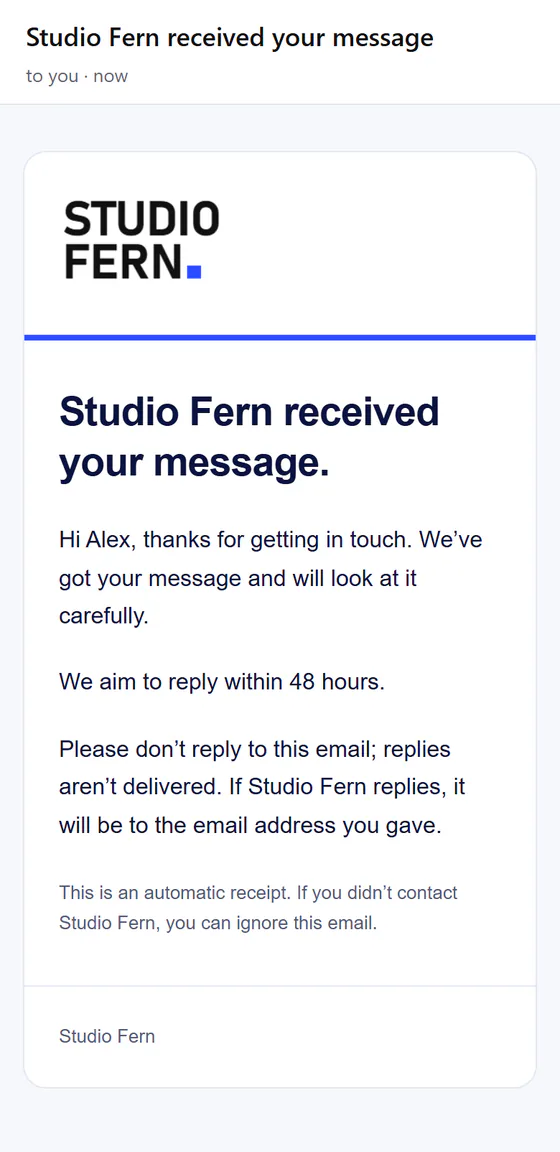
| Automatic receipt, with your message, to visitors who leave their email | Not included | Included |
| A reminder after 24, 48 or 72 hours when an inquiry isn’t handled | Not included | Included |
| Your logo and brand colour on forms and visitor receipts; no promotional badge | Not included | Included |
| More form styles: layouts, heading and text colours, and font choices | Not included | Included |
| Your logo and colour on printed QR cards and results images, without the makeform.live credit | Not included | Included |
| Photos and PDFs from visitors; 1 GiB private storage | Not included | Included |
| Labelled links that show which shared link brings inquiries | Not included | Included |
| Insights: inquiry trends, busiest forms and handling time | Not included | Included |
| Your own thank-you screen, with an optional button | Not included | Included |
| Signed webhooks to your own server or automation tools | Not included | Included |
| In both plans | ||
| Contact forms, polls, feedback and surveys | Included | Included |
| Share by link, QR code or your website | Included | Included |
| Private inbox, export and deletion | Included | Included |
| Email notifications to verified addresses | Included | Included |
| Combined poll results you can share | Included | Included |
Pro prices include tax; checkout shows your total before you pay. Compare the details.
More answers on the support page.
Free accounts use email sign-in. Pro is available as a monthly or yearly subscription. Choose Sign up free and enter the code we email you; there is no password to remember. Questions are welcome at contact@vlomkatsolutions.com.
No. Share your form link in your Instagram bio, posts, messages or emails, or print its QR code. If you have a website, you can add a form to it too.
No. People can contact you or answer a poll without creating an account.
Yes, on Free and Pro. Choose Quick poll, Feedback, Collect choices or Blank survey, share the link or QR code, and see the combined results as answers arrive. Polls and surveys have their own monthly allowance (10,000 responses on Free, 100,000 on Pro), so they never use up your inquiry allowance. How polls and feedback work.
Into your private inbox, where you see all your forms or one project at a time. We also send an email notification to your verified address, and you can get alerts in your team’s chat. Understand notification delivery.
Yes. Invite Members to your account: up to 3 on Free and up to 10 on Pro, more on request. Members see and manage every form and inquiry; only the account owner manages billing, the team, alerts and connected apps, and deletes forms or the account. See what Members can do.
New inquiries pause until your inquiry allowance renews or you upgrade; poll and survey responses pause the same way at their own allowance. Allowances renew every month, including on yearly Pro, which is billed once a year. There are no automatic overage charges, and existing inquiries remain accessible until their expiry.
Yes. Monthly starts with a 14-day free trial: add a card, pay nothing for 14 days, cancel any time before it ends. One trial per account. Yearly: full refund of your first payment, tax included, if you ask within 14 days of paying. Read the trial and refund terms.
Questions before you start?
Share where you want to use it and what you want to receive. We can help you choose a form, a poll or a website option.
Thanks, there. We have your question and will reply to .
We reply by email.
Prefer email? contact@vlomkatsolutions.com